
Rental Scams in Australia: How to Check a Listing Before You Pay
Rental scams can copy genuine listings, pressure you for money or harvest identity documents. Use this practical Australian checklist to verify the property, the person, the application and the payment path before you commit.
Why rental scams feel believable
A convincing address, a copied photo and a friendly message can still lead to a fake rental process.
A real property can still be part of a fake listing
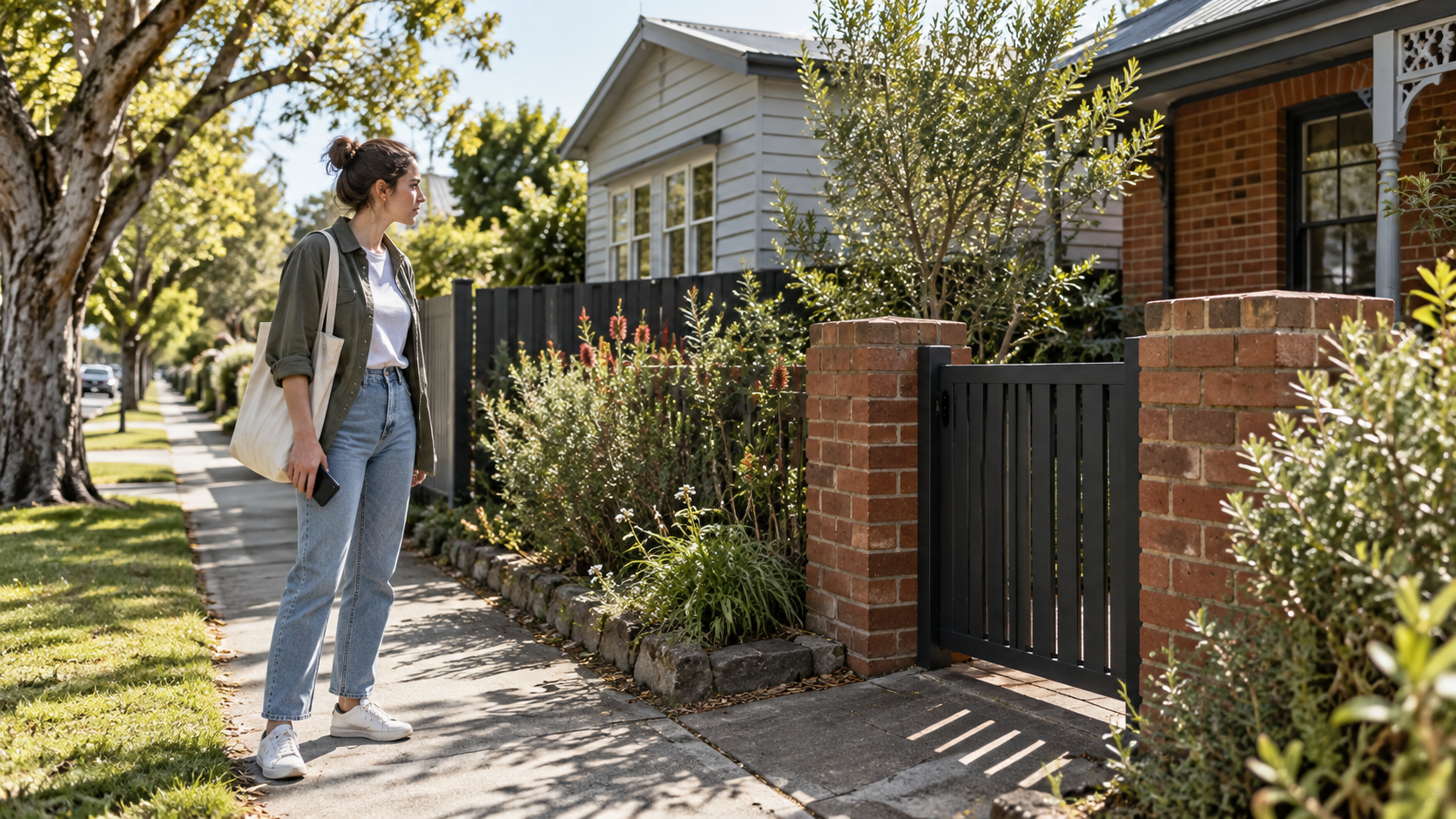
Rental scams work because they borrow details that look familiar: a genuine address, polished photographs, a plausible weekly rent and a story about why the owner or agent cannot meet you normally. The property may exist while the advertiser has no authority to rent it. The safest response is to slow the process down and verify each important step independently.
- Treat an unusually cheap, urgent or unavailable-to-inspect property as a reason to check more carefully, not a bargain to secure quickly.
- Search the address, photos, advertiser name and contact details separately and compare what you find.
- Use the platform, agency website or public contact details you found yourself to confirm the listing and person.
- Keep money, identity documents and signed paperwork as separate decisions; a request for one does not automatically justify the next.
Start with the listing, not the pressure
The first check is whether the advertisement and the conversation agree with each other.
Read the listing as evidence, not as a promise. Compare the address, rent, inclusions, availability, property type and photographs across the site where you found it and any independent source. A scammer may copy a genuine advertisement and change the contact details, or create a new listing with a price designed to make you act before asking ordinary questions.
- The price is far below comparable homes without a clear, verifiable reason.
- The advertiser says they are overseas, unavailable or unable to arrange a normal inspection but wants money first.
- The contact wants to move immediately to a private email, encrypted chat or untraceable payment channel.
- The same photographs, wording or address appears elsewhere with different rent, contact details or availability.
- You are told another applicant will take it unless you pay a holding fee or send ID right now.
Verify the property and the person
Check both sides of the transaction: the home and the authority of the person offering it.
Search the address independently and look for a consistent story about the property. If an agency is involved, find the agency through its own website or state register rather than trusting a phone number or link in the message. If the owner is dealing directly, ask for a clear explanation of who they are, how the agreement will be handled and which official bond authority applies. Do not send a passport, licence, bank statement or payslip until you have verified the process and understood why the information is needed.
- Checks that add confidence
- You can inspect the property or arrange an independently verified alternative
- The advertiser's name and contact path match an independent source
- The address, rent, inclusions and availability stay consistent
- The written agreement and bond process are clear before money changes hands
- Signals to pause
- The property is real but the person cannot explain their authority
- The listing or payment details change during the conversation
- You are asked for sensitive documents before basic questions are answered
- The person refuses a written agreement or an official bond process
Inspect before you pay
A drive-by, a video and a handful of copied photographs do not show who controls the home.
For a residential rental, try to inspect the home in person before paying a bond, rent in advance or a fee to secure it. Confirm that the person meeting you matches the verified contact and that the property you enter matches the advertisement. If you cannot attend because you are interstate or overseas, use a trusted person or an independently verified professional to inspect it, and continue to treat the payment and agreement as separate checks.


- Check the street, entrance, layout and visible features against the listing.
- Ask who owns or manages the property and how that can be confirmed.
- Ask what agreement, bond authority and payment method will be used.
- Do not hand over cash or transfer money simply because you were allowed through the door.
Protect your identity during the application
A rental application should answer the questions needed for this tenancy, not create a permanent copy of your private life.
Scammers may use an application form to collect identity documents, bank details, payslips and contact information even when no rental exists. Before uploading anything, verify the platform, the recipient and the reason for each request. Follow the current rules for the property jurisdiction and provide only what the genuine process requires. Keep an offline record of what you sent and where it went.
A safer document routine
- Open the website yourself or use the verified listing account instead of a link you received unexpectedly.
- Check the privacy explanation, contact details and whether the request is relevant to assessing the proposed tenancy.
- Ask whether a permitted alternative or redaction is available before sending more sensitive material.
- Use clear filenames, keep copies and withdraw or delete an application where the process allows it.
- Never edit, fabricate or combine documents to make an application appear stronger.
Recognise payment and link red flags
The payment path should make sense for the property, the agreement and the official bond process.
Be careful with requests for an overseas transfer, cryptocurrency, gift cards, cash without a receipt, a payment to a different name or a deposit before you have inspected and signed the correct agreement. Treat unexpected links, QR codes and new bank details as untrusted until you verify them through a separate contact path. If an account changes at the last moment, stop and confirm it independently.
- Confirm what the payment is for, how much is required and which period it covers.
- Check the recipient name and account details through the platform, agency or owner contact you verified yourself.
- Ask for a dated receipt or official confirmation and keep it with the agreement.
- Never pay more rent in advance or a larger bond just to beat another applicant unless the current lawful process clearly allows it and you choose it freely.
If you have already sent money or ID
Act quickly, preserve evidence and use the right recovery and reporting channels.
If you think a rental interaction is a scam, do not keep negotiating in the hope that the story becomes true. Save the listing URL, screenshots, messages, names, phone numbers, account details, receipts and any documents you sent. Contact your bank or payment provider immediately, report the listing to the platform and use the relevant Australian scam and identity-support channels. If an account or identity document may be exposed, change passwords and seek specialist identity guidance.
- Contact your bank or payment provider through its official website or app and ask what urgent steps are available.
- Secure affected email, banking and platform accounts; use unique passwords and multi-factor authentication where available.
- Report the listing and the contact account to the platform so other renters are less likely to be targeted.
- Keep an evidence folder and write down times, names and reference numbers for every report.
Use a traceable, written rental process
The safest application is one where each person, document, promise and payment can be understood later.
A secure rental process is not about suspicion of every landlord or agent. It is about making ordinary checks possible: a clear listing, an inspectable property, a verified contact, a lawful application, a written agreement, a traceable bond and a record of what happens next. If one step is unclear, ask for clarification before the next step creates more risk.
Check current Australian rental information by state or territoryFind rentals and keep your search organised with RentSeekr
RENTSEEKR CITY · LOCAL DISCOVERY
Looking for useful help in your area?
Choose a published City market and optional suburb or postcode to see active, approved services listed for that area. This article does not determine your location.
Choose a published City market; no location is inferred from this article.