
An existing rental
Explore the pilot handover preview and the records needed before a change of management. Preparation does not activate a transfer or end an agency agreement.
Explore the handover preview →FOR LANDLORDS & RENTAL PROVIDERS
Make room for a more organised rental. Explore property advertising, direct communication and the supported Victorian tenancy workspace—with the decisions still in your hands.
Explore public tools now. Public accounts are currently closed during launch preparation. Workspace features are shown as previews.
CHOOSE YOUR NEXT STEP
A CLEARER WAY THROUGH
Know what the next step involves before you take it.
Understand your numbers, property readiness and the arrangement you want to offer.
Explore listings, enquiries, inspections and applications connected to the rental offer.
Preview agreements, records and day-to-day tasks for supported Victorian whole-property tenancies.
BEYOND THE NEXT LISTING
Explore the pilot handover preview and the records needed before a change of management. Preparation does not activate a transfer or end an agency agreement.
Explore the handover preview →Preview expenses, recurring bills, dated forecasts and annual records. Explore scenarios using your own entered figures.
Preview property finances →THE ACTUAL RENTSEEKR WORKSPACE
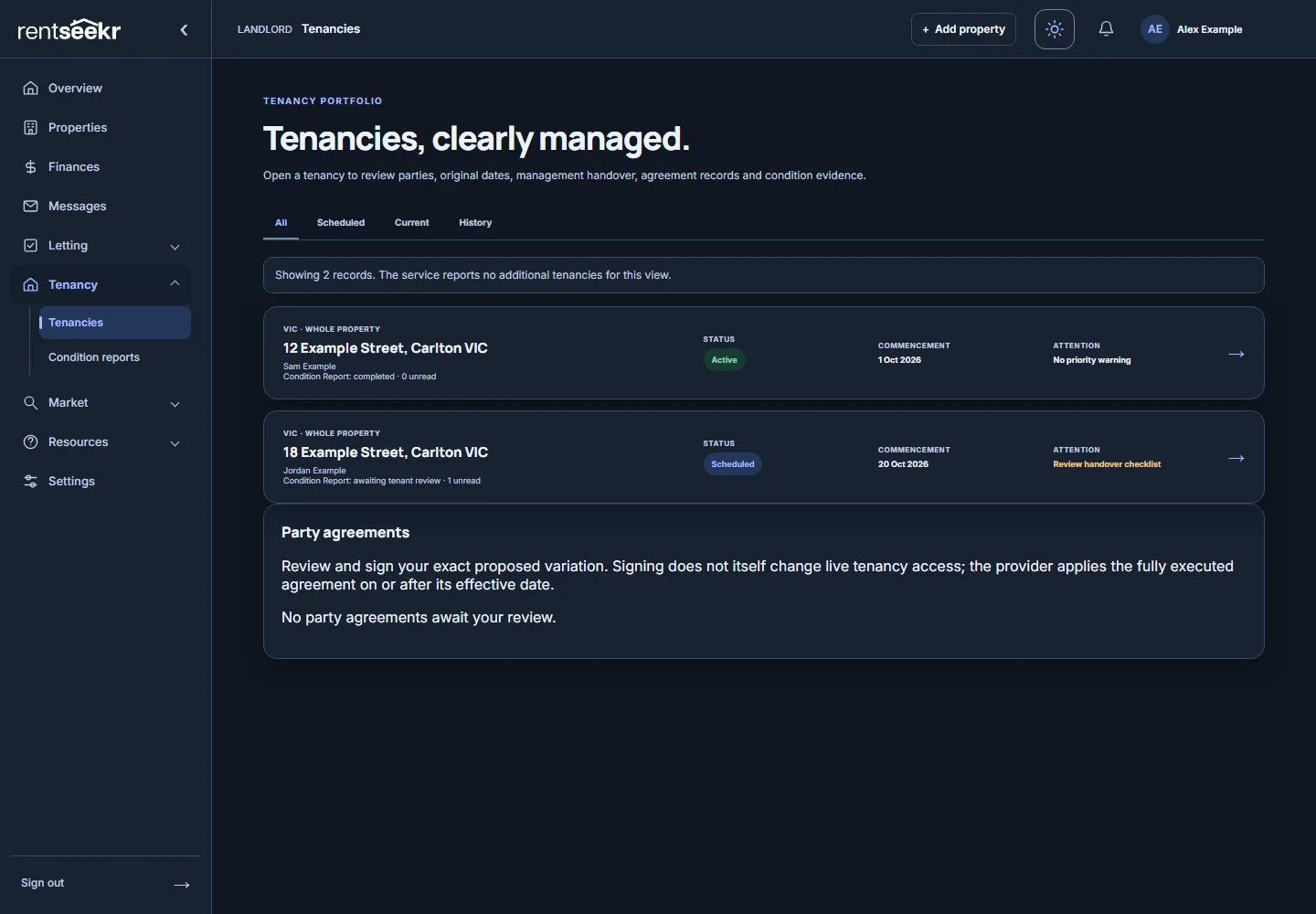
People, agreement records, condition reports and linked conversations stay in context. Light, Dark and System appearance help you make the workspace your own.
For supported Victorian whole-property workflows. You remain responsible for decisions, required documents and the work at the property.
MAKE THE NUMBERS YOURS
Calculations stay in your browser unless you choose to share a result. Estimates help you explore a scenario; they do not decide it for you.
BEFORE YOU GO FURTHER
You remain the rental provider and make the decisions. RentSeekr provides software and records; you arrange the physical work, check local requirements and engage professional help when needed.
Public tools, rental discovery and the fictional demo are available to explore. Public accounts remain closed during launch preparation; workspace screenshots are previews with fictional records.
For rules applying to the property and arrangement, check Australian rental information and the relevant official sources.
SEE HOW IT FITS TOGETHER
Updated 13 October 2026 · General product information, not legal or financial advice. Product availability and local requirements are separate.