
How to Apply for a Rental in Australia: A Renter’s Step-by-Step Guide
Learn how to prepare, protect your information and submit a stronger rental application in Australia, with practical tips for using RentSeekr to organise your search.
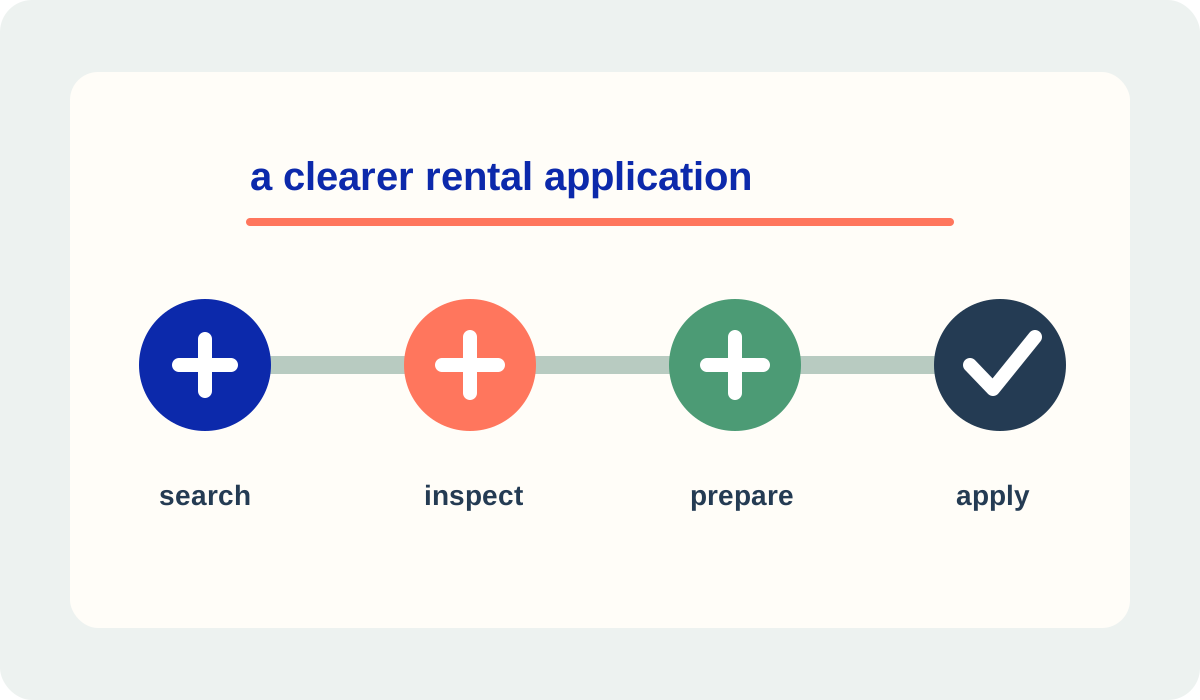
Start with the right property search
A strong application begins before you upload a single document.
Before applying, make sure the property and the offer are clear. Check the address, rent, bond, included utilities, parking, move-in date, application channel and any stated requirements. Save the listing details and ask questions before sharing personal information or paying anything.
- Compare the real costAllow for rent, bond, utilities, parking, moving costs and any disclosed fees that lawfully apply.
- Verify the listingUse the advertised contact pathway, inspect where possible and be cautious if someone pressures you to pay before verification.
- Keep a shortlistRentSeekr helps you compare property details and save promising listings so you can apply with context instead of rushing.
Prepare an accurate application pack
The goal is a complete, relevant application—not the biggest file upload.
Prepare documents that show your identity, rental history, ability to pay and references, using the current requirements for the state or territory where the property is located. Keep names, dates and contact details consistent. Explain a gap or unusual circumstance honestly instead of guessing or altering a document.

- Check the application instructions and prepare only what they reasonably ask for.
- Use clear, current copies and label files so the agent can match them to each applicant.
- Ask referees for permission before listing their details and tell them to expect contact.
- Keep a private copy of what you submitted, including the date and recipient.
- Use RentSeekr to keep your property shortlist and next steps organised while you prepare.
Protect your personal information
Rental applications involve sensitive information, and privacy rules are not identical everywhere.
Provide information that is relevant and reasonably necessary for assessing the tenancy, and check who will receive it. Redact unnecessary government identifiers, account numbers and unrelated transaction details. Use the official application channel or a secure method, keep a record of the privacy notice, and do not send extra documents just because they might improve your chances.
Submit carefully and keep proof
A final check can prevent a missing attachment or a misunderstood deadline.
Complete every required field for each applicant, review the rent and dates, attach the requested files and submit through the accepted channel. Save the confirmation, the listing snapshot and the name of the person or business that received the application. If the process is digital-only or the form is unclear, ask for a lawful alternative or clarification rather than sending sensitive documents to an unverified address.
- Record the basicsNote the property, submission time, contact and any stated response timeframe.
- Follow up onceA polite, concise follow-up is reasonable; avoid sending duplicate personal documents unless asked through a verified channel.
- Keep searchingDo not stop your shortlist until you have a confirmed outcome and a tenancy agreement is ready to be signed.
If the application is unsuccessful
One result does not define your rental search.
Ask what you can improve, but do not assume there is one national rule requiring a detailed explanation for every outcome. If you are concerned about how your information was collected or used, review the relevant privacy and tenancy authority guidance and ask appropriate questions about access, correction or deletion. Keep applying to suitable properties and refine your pack without adding unnecessary sensitive information.
A practical RentSeekr workflow
Turn a stressful application into a repeatable search routine.
- Search and save properties that fit your budget and move-in timing.
- Review the listing, inspection details and application requirements.
- Prepare relevant documents and verify your privacy choices.
- Submit through the accepted channel and save your confirmation.
- Keep your shortlist active until your next home is confirmed.
Find suitable properties, save the details that matter and keep your application next steps organised with RentSeekr.
Explore RentSeekr featuresRENTSEEKR CITY · LOCAL DISCOVERY
Looking for useful help in your area?
Choose a published City market and optional suburb or postcode to see active, approved services listed for that area. This article does not determine your location.
Choose a published City market; no location is inferred from this article.